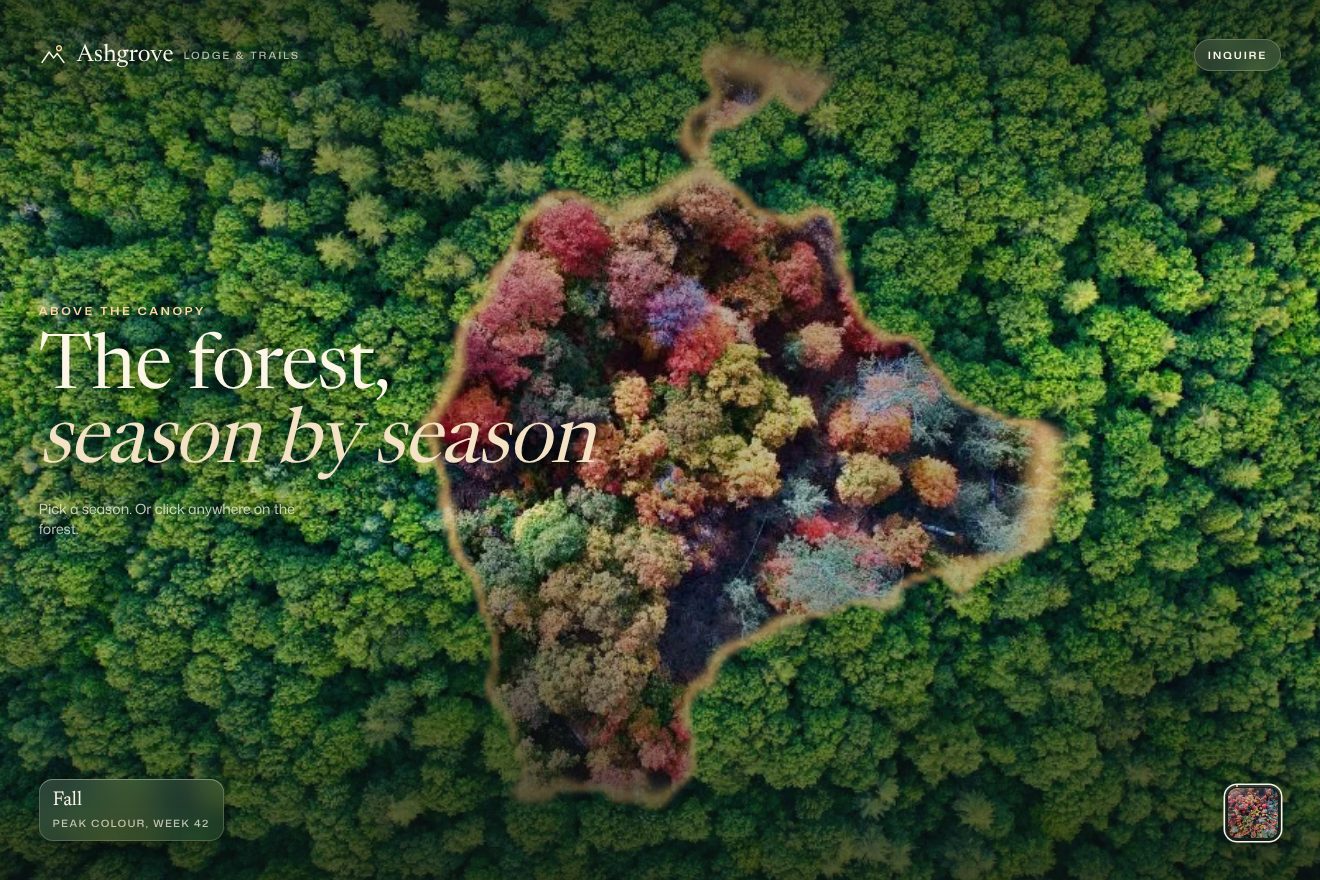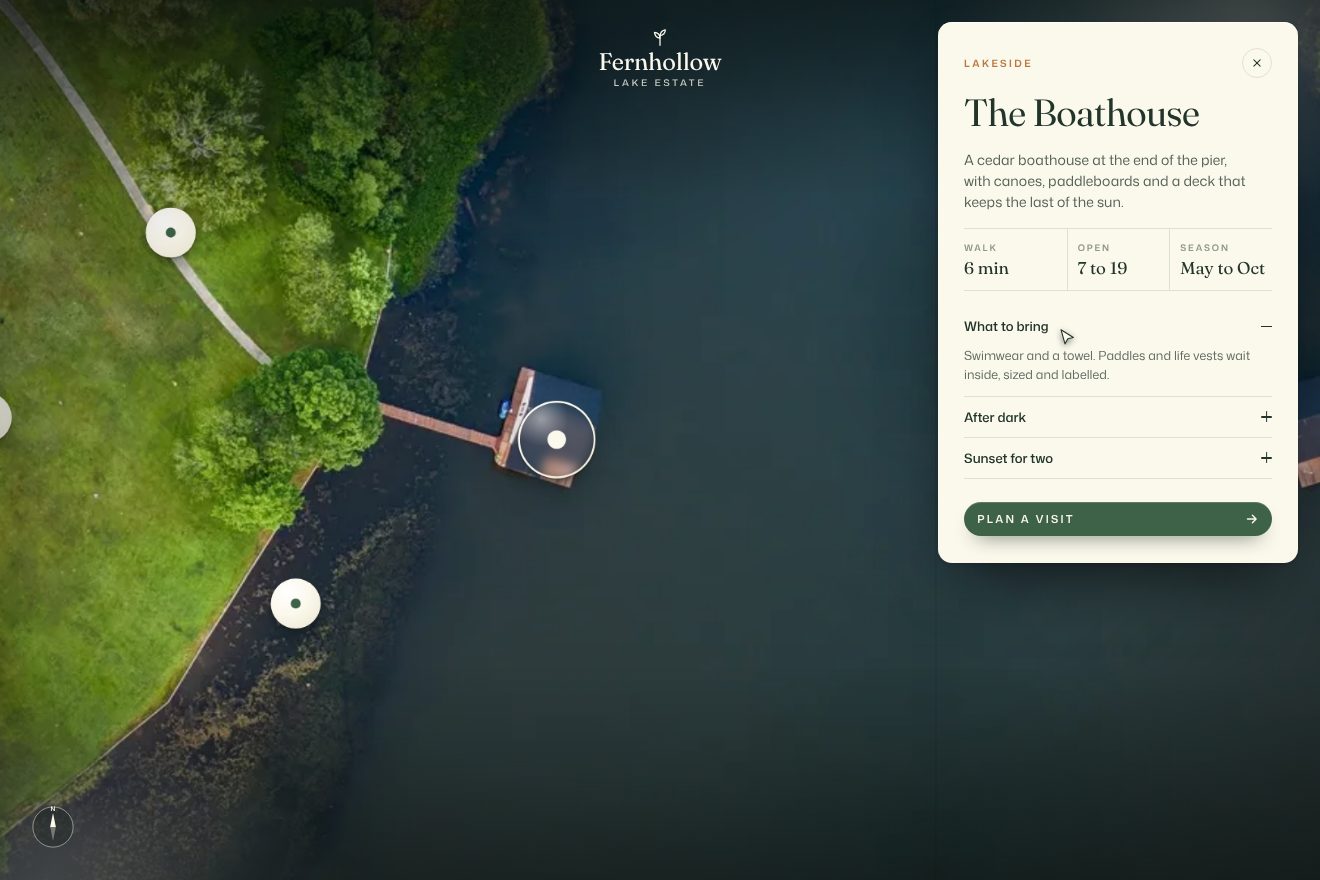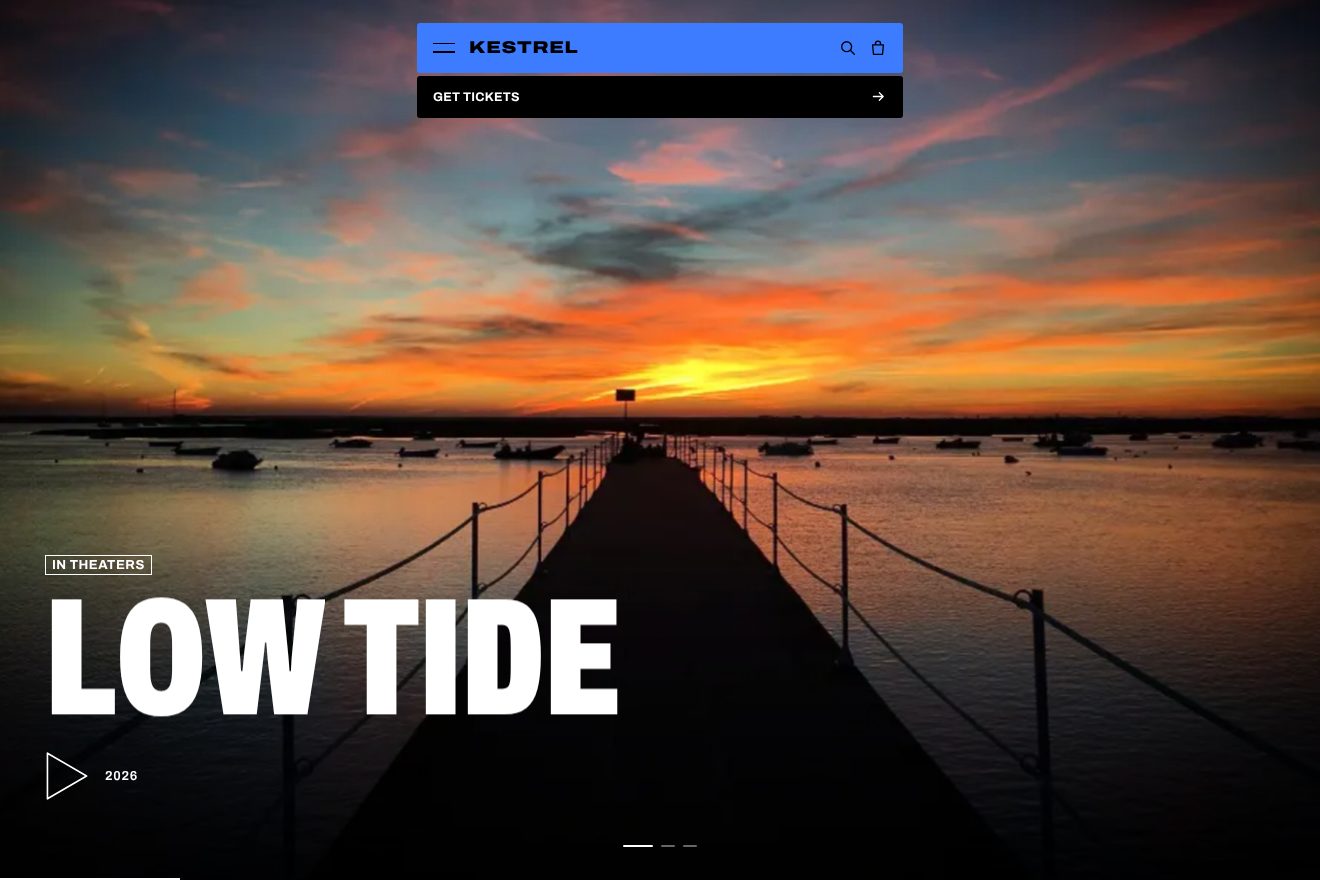
Film slider
Transitions, Images, Hover
The product card of a made-up mill, Fernmoor Mill, that knits wool throws to order: a real close-up photo of the knit and, as you pass over it, a round glass lens that opens with a small bounce and shows the stitches three times bigger, follows the pointer on a spring, stretches a touch the way it moves, with the yarn tag hanging below it and swinging. The three colour swatches, cut from the same photos, change the knit with a soft curtain from the left and a band of light on its edge, while the ring slides to the swatch, the colour name and the price roll and the tag changes yarn.
A folder that runs on its own: index.html, style.css, script.js and the libraries from a CDN. The React and Vue tabs hold the same demo as a ready component, which switches its animations off when it leaves the page.
<!doctype html>
<!--
"Wool throw product card" from Animorio · https://animorio.com
License: free on your own sites and your clients’ sites, paid work included.
Not for resale, redistribution, templates or code collections · https://animorio.com/en/license/
-->
<html lang="en">
<head>
<meta charset="utf-8">
<meta name="viewport" content="width=device-width, initial-scale=1">
<title>The wool throw shop product card, with a lens on the knit</title>
<link rel="stylesheet" href="https://cdn.jsdelivr.net/npm/@fontsource-variable/fraunces@5.3.0/full.css">
<link rel="stylesheet" href="https://cdn.jsdelivr.net/npm/@fontsource-variable/instrument-sans@5.3.0/wdth.css">
<link rel="stylesheet" href="style.css">
</head>
<body>
<main class="stage" data-stage>
<!-- the product card of a made-up mill of wool throws. Over the photo a round glass opens and shows the knit
three times bigger, with the yarn on a small tag; the colour swatches below change the photo with a soft curtain -->
<article class="card">
<div class="photo" data-photo>
<div class="photo__clip">
<img class="photo__img" data-base src="oat.webp" width="764" height="764" alt="The Fell throw in Oat, garter stitch, seen up close">
<img class="photo__img photo__img--top" data-top src="oat.webp" width="764" height="764" alt="" aria-hidden="true">
<span class="photo__edge" data-edge aria-hidden="true"></span>
<span class="photo__dim" data-dim aria-hidden="true"></span>
<span class="photo__grain" aria-hidden="true"></span>
</div>
<span class="photo__chip" data-chip>
<svg viewBox="0 0 16 16" aria-hidden="true"><circle cx="7" cy="7" r="4.6"/><path d="M10.4 10.4l3.2 3.2"/></svg>
<span class="photo__chip-words"><span data-chip-a>Hover to see the knit</span><span data-chip-b>Shown 3x</span></span>
</span>
<div class="lens" data-lens aria-hidden="true">
<div class="lens__pop" data-pop>
<div class="lens__glass" data-glass>
<span class="lens__view" data-view></span>
<span class="lens__shade"></span>
<svg class="lens__ticks" data-ticks viewBox="0 0 100 100"><circle cx="50" cy="50" r="46.5"/></svg>
<span class="lens__shine"></span>
</div>
</div>
</div>
<div class="tag" data-tag aria-hidden="true">
<span class="tag__hole"></span>
<span class="tag__yarn" data-yarn>Undyed lambswool</span>
<span class="tag__ply" data-ply>2-ply, 18.5 micron</span>
</div>
</div>
<div class="info">
<p class="brand">
<svg class="brand__mark" viewBox="0 0 24 24" aria-hidden="true"><path d="M3 7.5h18M3 12h18M3 16.5h18"/><path d="M8 4v16M16 4v16" class="brand__warp"/></svg>
Fernmoor Mill
</p>
<p class="eyebrow">Throws, knitted to order</p>
<div class="title-row">
<h1 class="title">The Fell Throw</h1>
<p class="price"><span class="roll" data-price><span>€186</span></span></p>
</div>
<p class="size">130 by 180 cm, 100% lambswool</p>
<div class="colour">
<p class="colour__label">Colour <span class="roll colour__name" data-name><span>Oat, garter stitch</span></span></p>
<div class="swatches" role="radiogroup" aria-label="Colour" data-swatches>
<span class="swatches__ring" data-ring aria-hidden="true"></span>
<button class="swatch" type="button" role="radio" aria-checked="true" aria-label="Oat" style="--img:url(oat.webp)"></button>
<button class="swatch" type="button" role="radio" aria-checked="false" aria-label="Rust" style="--img:url(rust.webp)"></button>
<button class="swatch" type="button" role="radio" aria-checked="false" aria-label="Rose" style="--img:url(rose.webp)"></button>
</div>
</div>
<ul class="facts">
<li>Knitted on hand frames in our mill</li>
<li>Free returns within 30 days</li>
</ul>
<button class="buy" type="button" data-buy>
<span class="buy__face" data-buy-face>
<span class="roll buy__words" data-buy-words><span>Add to basket</span></span>
<svg class="buy__icon" viewBox="0 0 16 16" aria-hidden="true">
<path class="buy__plus" data-plus d="M8 3.5v9M3.5 8h9"/>
<path class="buy__check" data-check pathLength="1" d="M3.4 8.4l3 3 6.2-6.6"/>
</svg>
</span>
</button>
</div>
</article>
<svg class="ghost" data-ghost viewBox="0 0 24 24" aria-hidden="true"><path d="M5 3.2l13.4 8.1-6 1.2-3.1 5.4z"/></svg>
<p class="sr" aria-live="polite" data-live></p>
</main>
<script src="https://cdn.jsdelivr.net/npm/gsap@3.15.0/dist/gsap.min.js"></script>
<script src="script.js"></script>
</body>
</html>Change values, colours and text with the controls and watch the animation respond live. Or write in the code yourself. Then download the folder with your changes.
31 values to change
With the Animorio connector, Claude Code, ChatGPT, Cursor or VS Code take it from here, guide included, and fit it into your project. Paste this request:
Take “Wool throw product card” from Animorio and fit it into my siteInside the circle sits an element with the photo as its background, as big as the photo on screen times ZOOM. The point under the centre of the lens, (x, y) in the photo, must sit at the centre of the circle: background-position is R − x·ZOOM and R − y·ZOOM, allowing for how object-fit: cover cropped the picture.
Every frame the lens chases the pointer on a real spring (STIFFNESS times the distance minus DAMPING times the speed). The tag chases the lens on a softer one, TAG_LAG times, and turns a few degrees with its sideways speed: so it swings. When there is no room under the lens, the tag moves above it.
From the lens's speed come an angle and a stretch, 7% at most: the glass is turned to the angle, widened by that much and narrowed a little the other way, and turned back. When it stops it is round again on its own, because the speed goes back to zero.
The new photo sits over the old one with clip-path: inset(0% 100% 0% 0%) and reaches inset(0% 0% 0% 0%) in CURTAIN_TIME on power3.inOut, while it shrinks from 1.08 to 1 on expo.out. A blurred band of light runs along the cut, lit by the sine of the progress; the old photo darkens to 86% and grows 3%. Halfway the lens takes the new photo.
The ring goes to the swatch on back.out and meanwhile stretches in proportion to the distance and turns round again with an elastic. Name and price are grids with hidden overflow: the old word leaves upwards, the new one comes in from below with a small bounce.
| Name | File | Default | What it changes |
|---|---|---|---|
ZOOM | script.js | 3 | How many times bigger the knit looks inside the lens. |
LENS | script.js | 0.21 | The radius of the lens, as a share of the photo's shorter side. |
STIFFNESS | script.js | 260 | The spring that pulls the lens to the pointer: higher is quicker. |
DAMPING | script.js | 21 | Lower lets the lens pass the mark and come back. |
TAG_LAG | script.js | 0.45 | How loosely the yarn tag follows (1 = as tight as the lens). |
STRETCH | script.js | 1 | How much the glass stretches when it runs (0 = always round). |
CURTAIN_TIME | script.js | 0.95 | Seconds the new colour takes to cover the old one. |
SPOTLIGHT | script.js | 1 | How much the photo dims around the lens (0 = not at all). |
LOOP | script.js | true | Left alone, the drawn pointer looks at the knit and tries the colours again and again. |
For the product page of a shop where the material matters: home textiles, knitwear, bed linen, rugs, paper, ceramics, leather, wood. When the buyer wants to see the weave before choosing the colour, and the close-up has to do the job of a swatch in the hand.
The same animation with adapted sizes: the photo goes on top, as wide as the card and at most 44% of the screen tall, with name, price, swatches and button below. Holding a finger on the photo brings up the lens, which follows it and closes when the finger lifts; swatches are tapped.
No movement: the lens and the tag fade in and out and sit exactly under the pointer, with no spring, no stretch and no swing; the new colour fades in, the ring jumps to the swatch, the words change with a fade. Left alone, it changes colour every three and a half seconds, without the drawn pointer.
GSAP 3.15.0, Fraunces (font variabile) 5.3.0, Instrument Sans (font variabile) 5.3.0.
Compressed with gzip, the three demo files weigh 11 KB; the libraries: GSAP 28 KB.
Tested on 9 November 2026
Use it in your own projects and in your clients’ projects. Do not resell it or redistribute it as is. GSAP stays under its own Standard license. Full license.
Support Animorio
Animorio stays free thanks to the people who support it. If you like, buy us a coffee: it helps us make the next animations.
You asked for
We made it for you: it’s in the library, with the preview, the Playground and the code to copy.
An animation you can’t find, or a site to take apart in the journal: tell us which. We pick the next ones from here.
With your account’s email and password.
or with your email
You’re signed in as .
With your account, you can download the zip of every animation and every pack, for free.