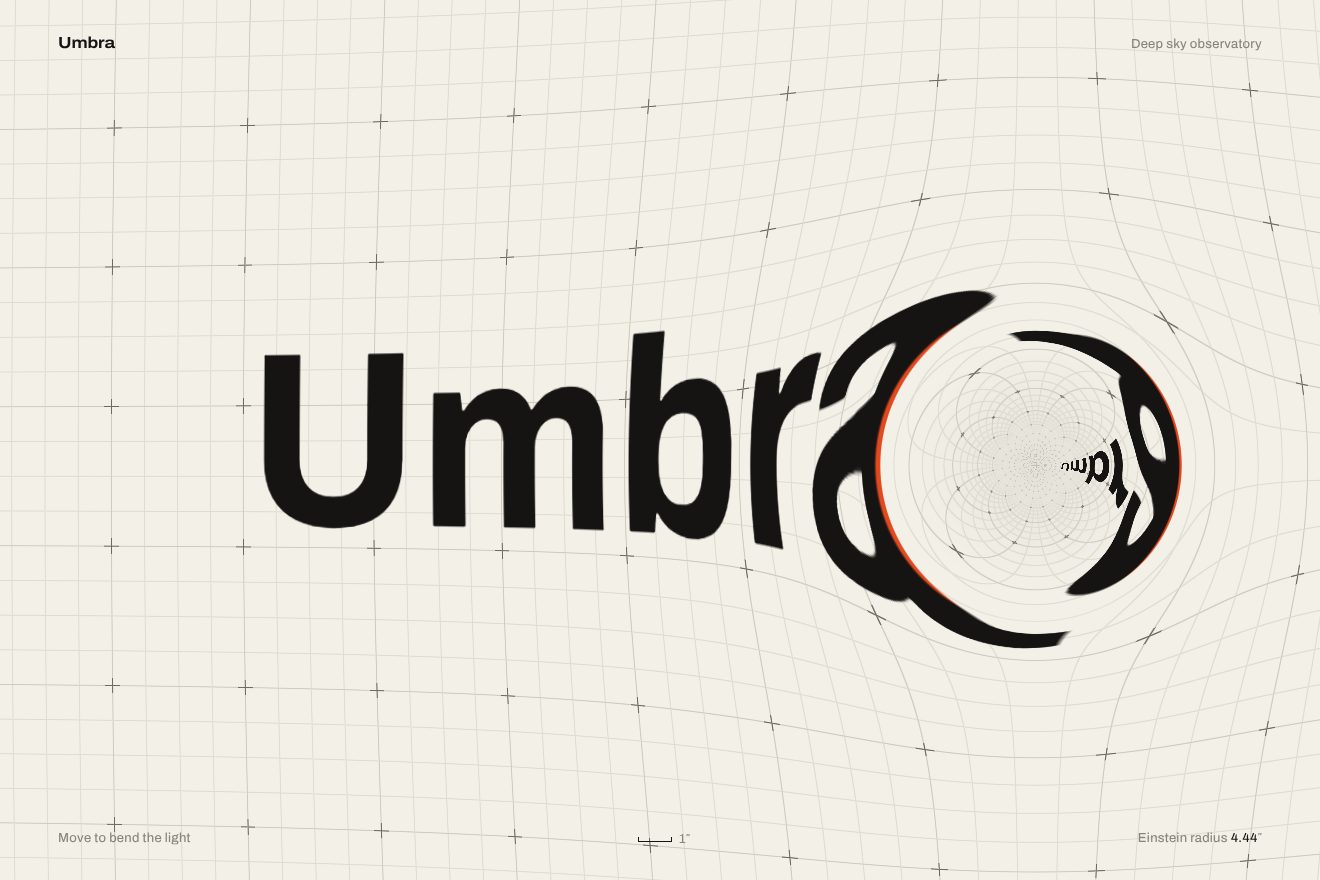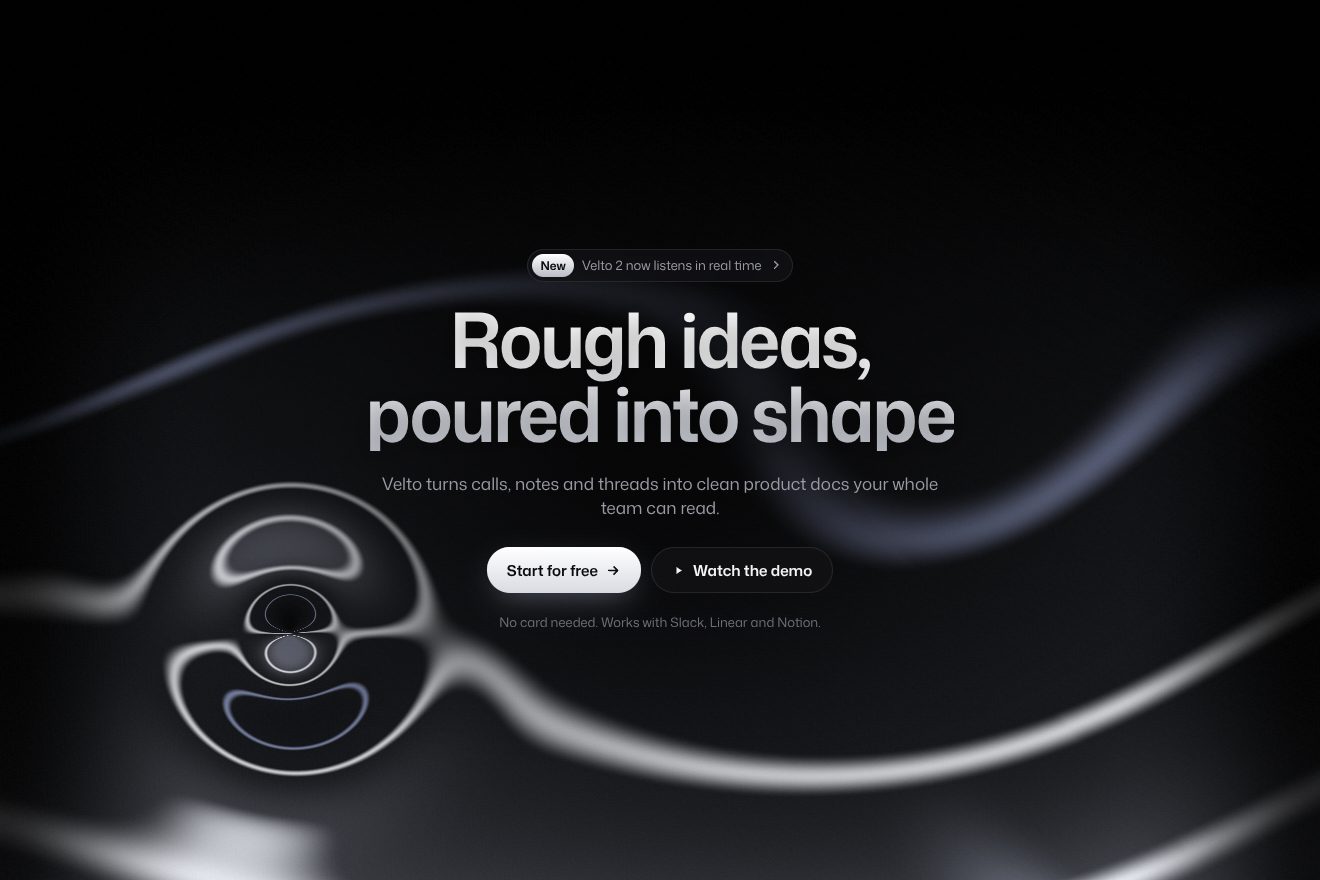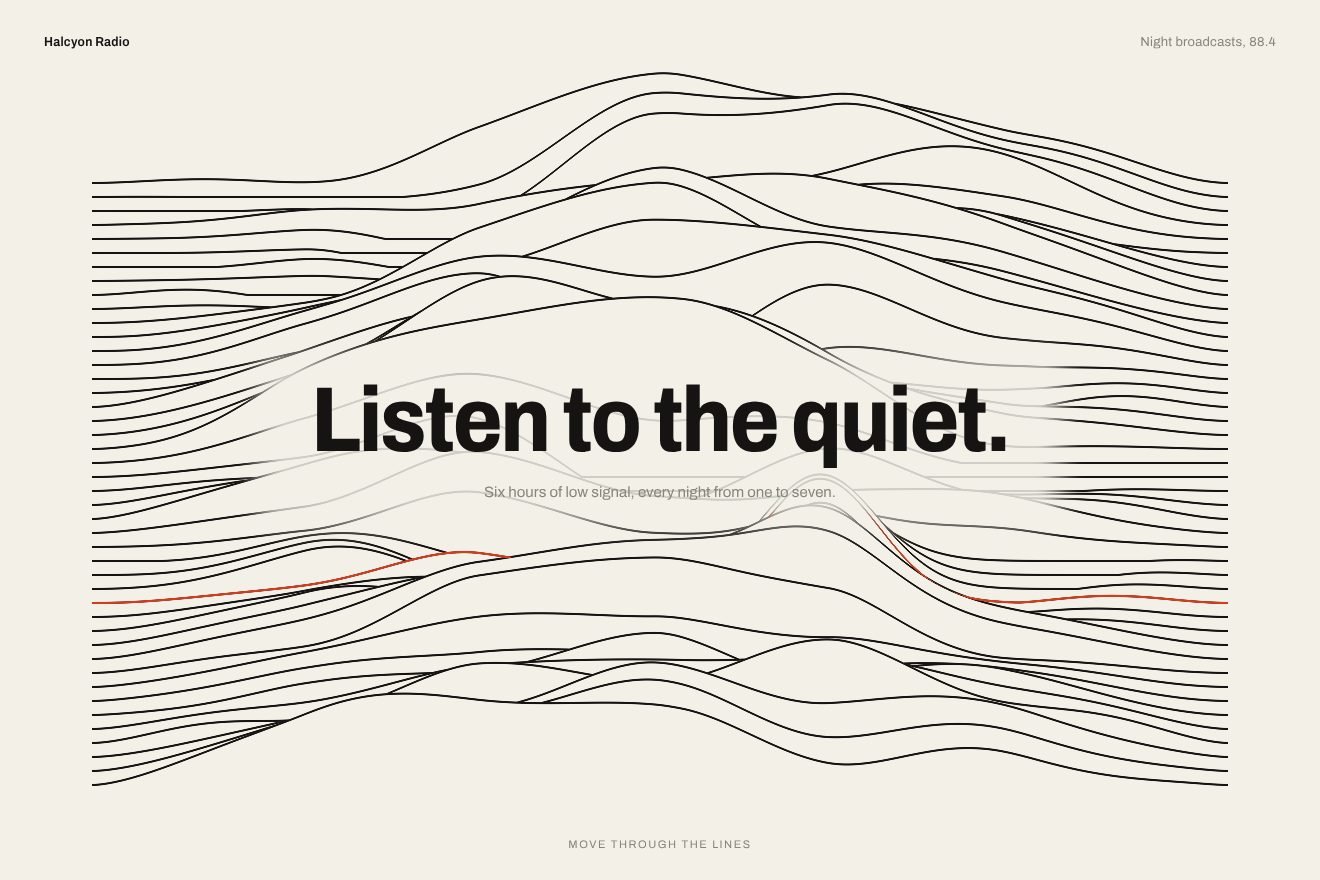
Ridge line background
Backgrounds, WebGL, Hover
The background of the home of Kova Index, a made-up reference library, taken from a moment of the Creative Reference Library site: behind the stone grey page the giant letters of the brand run upwards on an endless ribbon, and where the pointer passes the ribbon and the type in front break together into sharp rectangular blocks, then slowly settle back. The wheel or a finger speeds the ribbon up; the button follows the pointer and swells when you press it.
Rebuilt from scratch studying crl-2026.webflow.io by Josh Bendall, S•BJ: the idea is theirs; code, copy and images are ours. Read how it’s made
A folder that runs on its own: index.html, style.css, script.js and the libraries from a CDN. The React and Vue tabs hold the same demo as a ready component, which switches its animations off when it leaves the page.
<!doctype html>
<!--
  "Letter ribbon background" from Animorio · https://animorio.com
  License: free on your own sites and your clients’ sites, paid work included.
  Not for resale, redistribution, templates or code collections · https://animorio.com/en/license/
-->
<html lang="en">
<head>
  <meta charset="utf-8">
  <meta name="viewport" content="width=device-width, initial-scale=1">
  <title>Kova Index, a slow index of references</title>
  <link rel="stylesheet" href="https://cdn.jsdelivr.net/npm/@fontsource-variable/archivo@5.3.0/wdth.css">
  <link rel="stylesheet" href="https://cdn.jsdelivr.net/npm/@fontsource-variable/mona-sans@5.3.0/wdth.css">
  <link rel="stylesheet" href="style.css">
</head>
<body>
  <!-- the home of an invented reference library, Kova Index: behind the page the giant letters of the brand run upwards
       on an endless vertical ribbon; where the pointer passes, the ribbon and the type in front break together into
       sharp rectangular blocks (a tiny 5 by 5 displacement grid, sampled without smoothing) and settle back slowly when
       the pointer stops. The wheel, or a drag on a phone, speeds the ribbon up. One hand-written WebGL shader. -->
  <main class="stage" data-stage>
    <canvas class="scene" data-scene aria-hidden="true"></canvas>
    <span class="grain" aria-hidden="true"></span>

    <header class="top">
      <p class="brand" data-gl><span class="brand__name">Kova</span><span class="brand__sub">Reference<br>Index®</span></p>
      <nav class="nav" aria-label="Main" data-gl>
        <span class="nav__item">Index</span>
        <span class="nav__item" data-dim>Shelves</span>
        <span class="nav__item" data-dim>About</span>
      </nav>
    </header>

    <p class="copy copy--one" data-gl><span class="tag">(Index)</span> Kova is a slow index of references: records, films, books and essays that kept earning their place on the desk. Nothing here is new for the sake of it.</p>

    <h1 class="title" data-gl><span>Kova®</span> <span>/Index</span> <span>(2026)</span></h1>

    <p class="copy copy--two" data-gl><span class="tag">(Method)</span> Every entry is picked by hand and read again each season. When it stops being useful, it quietly leaves the index.</p>

    <ul class="shelves" data-gl aria-label="Shelves">
      <li><span class="count">(14)</span> Records</li>
      <li><span class="count">(9)</span> Books</li>
      <li><span class="count">(11)</span> Films</li>
      <li><span class="count">(6)</span> Essays</li>
    </ul>

    <div class="cta-wrap" data-cta-wrap>
      <button class="cta" type="button" data-cta>
        <span class="cta__bg" data-cta-bg></span>
        <span class="cta__label" data-cta-label>Enter the index</span>
        <svg class="cta__arrow" data-cta-arrow viewBox="0 0 16 16" aria-hidden="true"><path d="M3 8h9.5M8.5 4 12.5 8l-4 4"></path></svg>
      </button>
    </div>

    <svg class="ghost" data-ghost viewBox="0 0 20 20" aria-hidden="true"><path d="M4 2.5v13.2l3.5-3.3 2.4 5.3 2.3-1-2.4-5.2 4.8-.2z"></path></svg>
  </main>

  <script src="https://cdn.jsdelivr.net/npm/gsap@3.15.0/dist/gsap.min.js"></script>
  <script src="script.js"></script>
</body>
</html>Change values, colours and text with the controls and watch the animation respond live. Or write in the code yourself. Then download the folder with your changes.
39 values to change
With the Animorio connector, Claude Code, ChatGPT, Cursor or VS Code take it from here, guide included, and fit it into your project. Paste this request:
Take “Letter ribbon background” from Animorio and fit it into my siteThe four letters are drawn once in a 2D canvas, in Archivo at weight 900 and width 125, each as wide as the ribbon and cropped to its real height, with an empty band of 0.025 between them as on the site. The canvas becomes a texture and the shader reads only its alpha: the ribbon is as wide as the page divided by the 0.9 zoom and repeats vertically with fract(), so no power of two texture is needed. A smoothstep threshold on the alpha keeps the edges sharp even when the letter is magnified several times.
Every word of the texts marked with data-gl sits in a span: its box is measured and it is redrawn in white in a second canvas as big as the page, with its baseline taken from fontBoundingBoxAscent. The HTML stays in place at zero opacity, for screen readers and for the measures, and is redrawn on resize.
The displacement is a grid of 25 cells with two numbers each, simulated in JavaScript as on the site: every cell takes the pointer movement times ten, weighted by 1 - smoothstep(0, 0.22, distance), and keeps 0.965 of it every frame. Every number becomes two bytes (16 bits) of a 5 by 5 pixel texture uploaded every frame and read with the NEAREST filter: every cell moves all at once, as a hard block. The shader moves the ribbon and the type by the same amount (uv - grid times 0.03).
On every edge between two cells the shader compares the two shifts: the more they differ, the more a one pixel line and a soft band light up, slightly lighter. When the pointer stays still for more than 0.12 s, the cells switch to a spring with 0.8 damping, which brings them home in about 1.2 s passing by a pixel.
The wheel speeds the ribbon up as on the site: the speed chases clamp(5e-5 times delta / dt, -2, 2) with 1 - exp(-12 dt), on top of the base speed of 0.02. On a phone, a drag does the same. The button follows the pointer with two 0.6 s quickTo in power3.out, never leaving the page; on release it pushes the cells outwards from the button. After three seconds without a pointer a drawn one passes by with a GSAP timeline, and presses the button too.
| Name | File | Default | What it changes |
|---|---|---|---|
GRID | script.js | 5 | Cells per side of the grid: with 5, as on the site, the blocks are big; higher, smaller blocks. |
RADIUS | script.js | 0.22 | How far from the pointer the cells move, in fractions of the page. |
STRENGTH | script.js | 0.03 | How far a pushed block slides (the site uses 0.03). |
DECAY | script.js | 0.965 | How much of the push each block keeps every frame while the pointer moves. |
SETTLE | script.js | 1.2 | Seconds the blocks take to settle back when the pointer stops. |
BASE_SPEED | script.js | 0.02 | Speed of the ribbon, in ribbon lengths per second (the site uses 0.02). |
WHEEL | script.js | 1 | How much the wheel or a drag speeds the ribbon up (0 never). |
ZOOM | script.js | 0.9 | Ribbon zoom: under 1 the letters are wider than the page and leave by the sides. |
EDGE_LIGHT | script.js | 1 | How light the edge of a moved block is (0 none). |
GRAIN | script.js | 0.05 | How much moving grain on the page. |
FOLLOW | script.js | 0.6 | Seconds the button takes to catch the pointer. |
AUTO_PILOT | script.js | 3 | After how many seconds without a pointer the drawn one moves (0 never). |
For the opening of a site with a strong brand and few words: a library, an archive, a studio, a magazine, a portfolio. The ribbon is a living background behind the title that asks for nothing, and whoever moves the mouse finds that the page breaks into blocks and puts itself back together.
The same: a passing finger breaks the page like the pointer and a vertical drag speeds the ribbon up. The ribbon is sized on the width, so on a phone more letters show one above the other; the title is sized with min(8.4vw, 12.5vh), the paragraphs go full width, the shelves hide and the button sits at the bottom right without climbing onto the paragraph.
No blocks, no moving ribbon and no following button: the ribbon is a still drawing and the type is the real HTML, appearing with a fade. The same still drawing stays when the browser has no WebGL.
GSAP 3.15.0, Archivo (font variabile) 5.3.0, Mona Sans (font variabile) 5.3.0.
Compressed with gzip, the three demo files weigh 12 KB; the libraries: GSAP 28 KB.
Tested on 16 November 2026
Use it in your own projects and in your clients’ projects. Do not resell it or redistribute it as is. GSAP stays under its own Standard license. Full license.
Support Animorio
Animorio stays free thanks to the people who support it. If you like, buy us a coffee: it helps us make the next animations.
You asked for
We made it for you: it’s in the library, with the preview, the Playground and the code to copy.
An animation you can’t find, or a site to take apart in the journal: tell us which. We pick the next ones from here.
With your account’s email and password.
or with your email
You’re signed in as .
With your account, you can download the zip of every animation and every pack, for free.