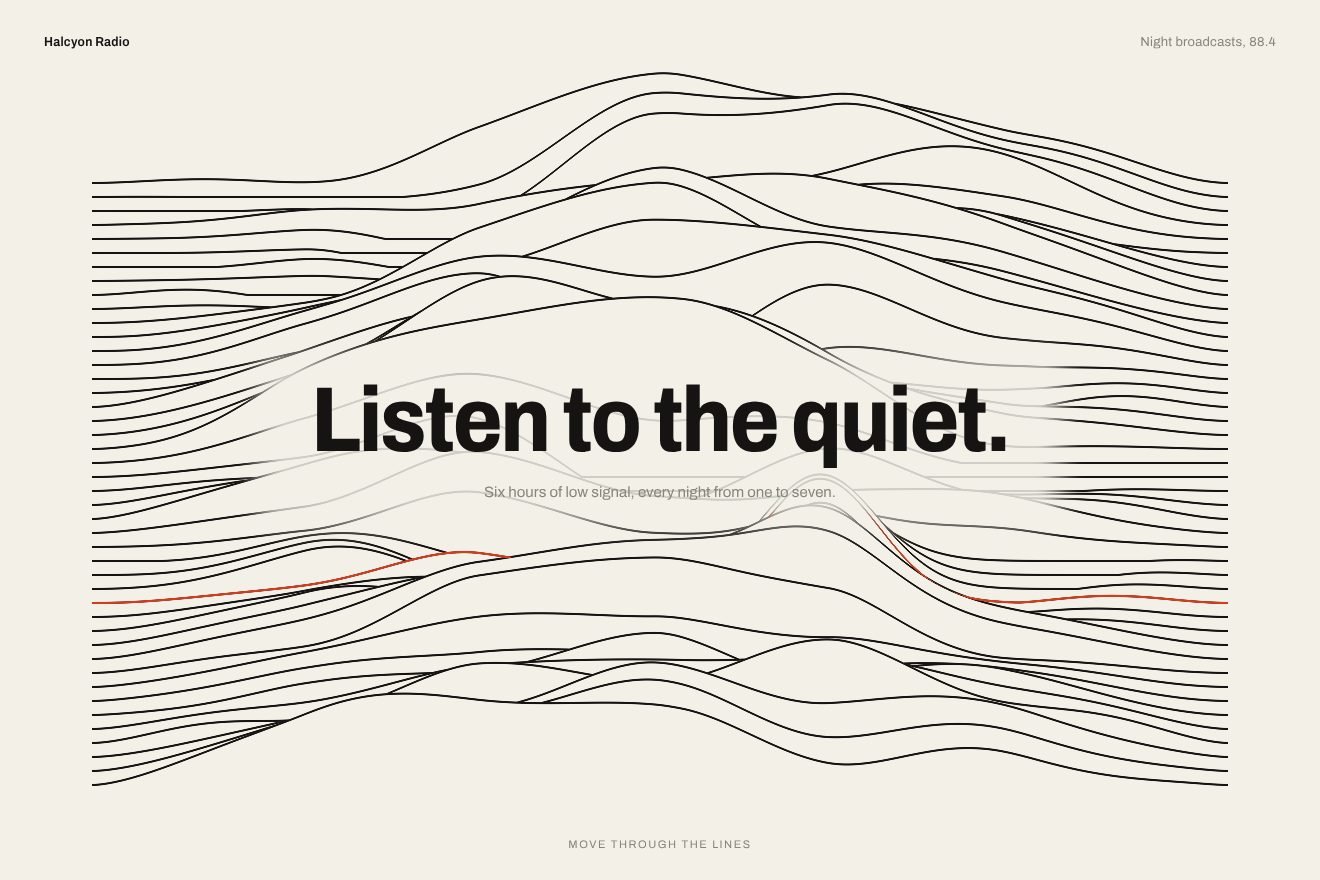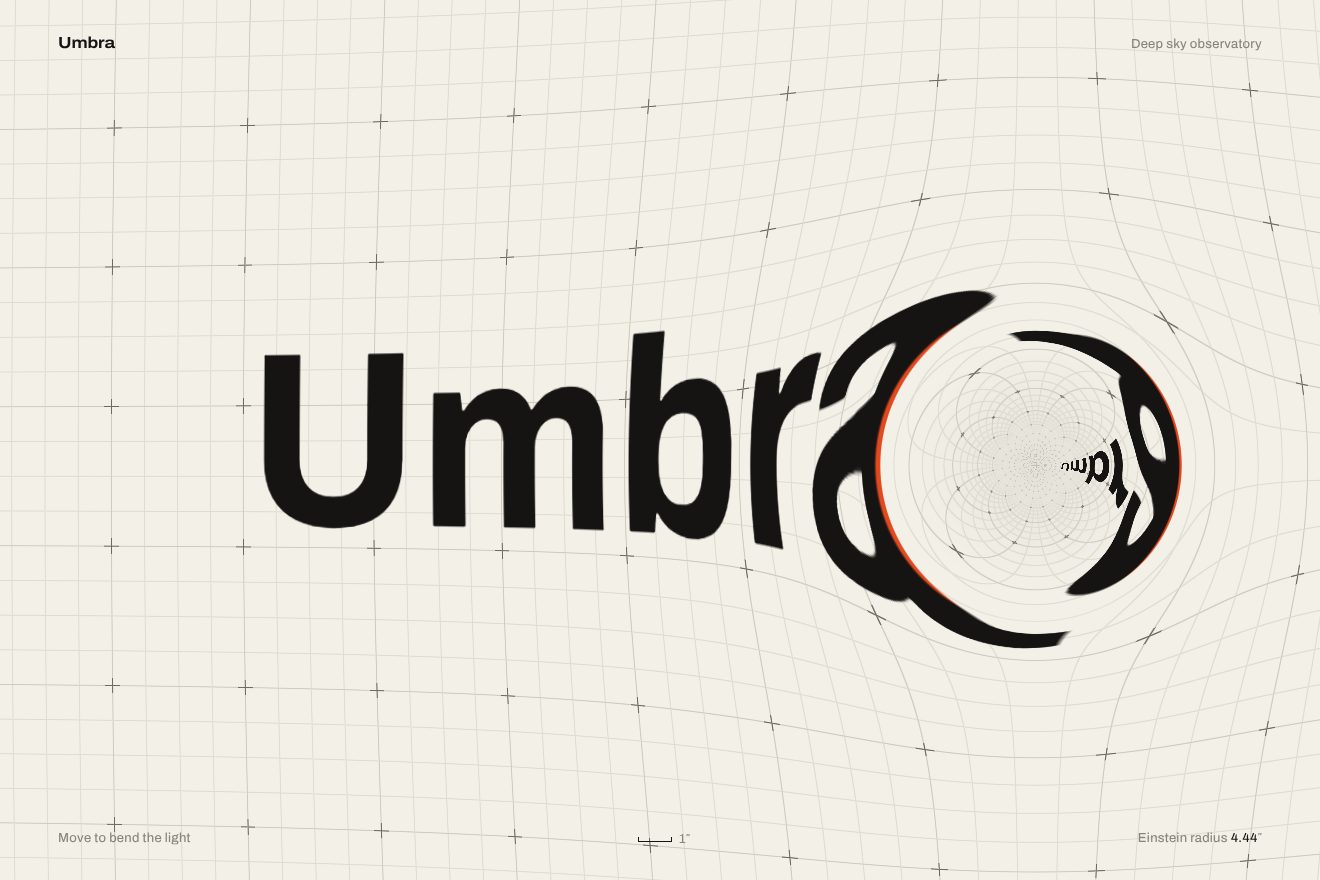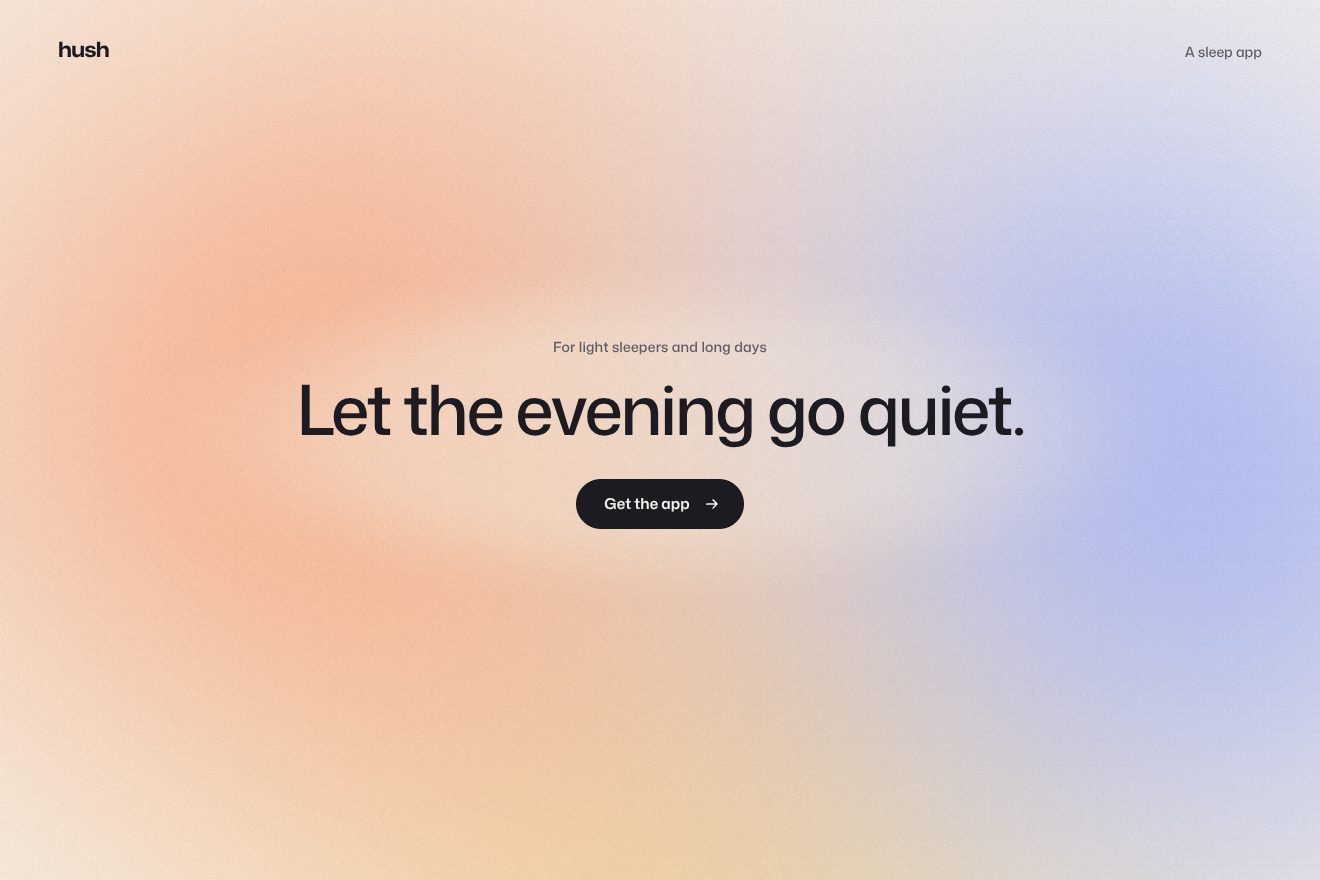
The coloured fog background
Backgrounds, WebGL
An animated background for an app’s hero: a soft mesh gradient of four close colours, peach, pink, lilac and cream, drifting slowly while swelling and settling like a breath, with a fine grain that removes the banding. The field bends towards the pointer as if under a lens, and the button, when pressed, sends a soft wave through the colour. One WebGL shader, in the Morphin style.
A folder that runs on its own: index.html, style.css, script.js and the libraries from a CDN. The React and Vue tabs hold the same demo as a ready component, which switches its animations off when it leaves the page.
<!doctype html>
<!--
  "Breathing gradient" from Animorio · https://animorio.com
  License: free on your own sites and your clients’ sites, paid work included.
  Not for resale, redistribution, templates or code collections · https://animorio.com/en/license/
-->
<html lang="en">
<head>
  <meta charset="utf-8">
  <meta name="viewport" content="width=device-width, initial-scale=1">
  <title>The breathing gradient background</title>
  <link rel="stylesheet" href="https://cdn.jsdelivr.net/npm/@fontsource-variable/mona-sans@5.3.0/wdth.css">
  <link rel="stylesheet" href="style.css">
</head>
<body>
  <!-- the hero of an invented app, Nimbra, over a soft mesh gradient that breathes: four close colours that swell and
       settle on a slow cycle, a fine grain on top, the field bending a little towards the pointer and a soft wave
       running through the colour when the button is pressed -->
  <main class="stage" data-stage>
    <canvas class="field" data-field aria-hidden="true"></canvas>
    <span class="grain" aria-hidden="true"></span>

    <section class="hero" aria-labelledby="hero-title">
      <p class="pill" data-in>
        <span class="pill__tag">Beta</span>
        <span class="pill__text">Nimbra 2 is open</span>
        <svg class="pill__arrow" viewBox="0 0 16 16" aria-hidden="true"><path d="M6 3.5 10.5 8 6 12.5"></path></svg>
      </p>
      <h1 class="title" id="hero-title" data-in>Plan the week<br>without the noise</h1>
      <p class="lede" data-in>Nimbra gathers your tasks, calls and notes into one quiet list that breathes with your day.</p>
      <div class="actions" data-in>
        <button class="cta" type="button" data-cta>
          <span class="cta__shine" aria-hidden="true"></span>
          <span class="cta__label">Get early access</span>
          <svg class="cta__arrow" viewBox="0 0 16 16" aria-hidden="true"><path d="M3 8h9.5M8.5 4 12.5 8l-4 4"></path></svg>
        </button>
        <span class="note">Free for teams of five</span>
      </div>
    </section>
  </main>

  <script src="https://cdn.jsdelivr.net/npm/gsap@3.15.0/dist/gsap.min.js"></script>
  <script src="script.js"></script>
</body>
</html>Change values, colours and text with the controls and watch the animation respond live. Or write in the code yourself. Then download the folder with your changes.
23 values to change
With the Animorio connector, Claude Code, ChatGPT, Cursor or VS Code take it from here, guide included, and fit it into your project. Paste this request:
Take “Breathing gradient” from Animorio and fit it into my siteA WebGL canvas behind the hero with one triangle covering the whole screen; pixel density is capped at 1.5. Every pixel computes its colour in the fragment shader: no images, no textures.
The four colours sit at four points near the corners and drift on small slow orbits. Every pixel takes the average of the colours weighted by a Gaussian of the distance: near a point its colour wins, in between they blend. A light wave warps the space, so the borders never look like circles.
The radius of the Gaussians grows and shrinks on a cosine BREATH seconds long, by DEPTH: the patches widen and narrow all together. At the same time the light rises and falls by a hair. In the middle, where the words are, the colour is lighter.
The pointer pulls the space towards itself with a narrow Gaussian, followed with a soft lag. The button’s wave is a ring growing from 0 to 2.2 in 2.6 seconds with power2.out: where it passes it pushes the colour outwards and lightens it, fading as it goes.
A noise that changes every frame, of strength GRAIN, over the colour, plus a still SVG grain in soft-light over everything: wide gradients do not band even on 8-bit screens.
| Name | File | Default | What it changes |
|---|---|---|---|
BREATH | script.js | 7 | How many seconds a whole breath of the gradient lasts. |
DEPTH | script.js | 0.16 | How much the colour swells at each breath. |
DRIFT | script.js | 1 | How much the colours drift around their places (0 stops them). |
GRAIN | script.js | 0.045 | How much grain over the gradient. |
POINTER | script.js | 0.6 | How much the field bends towards the pointer. |
WAVE | script.js | 1 | How strong the wave from the button is. |
AUTO_PRESS | script.js | 9 | Every how many seconds the button presses itself when nobody touches (0 never). |
As the background of the first screen of an app or software, a wellbeing product, a waitlist or a launch: it gives the hero colour and life without stealing the scene from the headline and the button.
The same gradient with adapted sizes: the colours sit in the corners of the tall narrow page, the headline goes on two smaller lines, and the finger bends the colour like the pointer; tapping the button sends the wave.
The gradient stands still: no breath, no drift and no lens. Pressing the button the colour only lightens for a moment around it, with no travelling wave; the words are already in place.
GSAP 3.15.0, Mona Sans (font variabile) 5.3.0.
Compressed with gzip, the three demo files weigh 6.8 KB; the libraries: GSAP 28 KB.
Tested on 25 October 2026
Use it in your own projects and in your clients’ projects. Do not resell it or redistribute it as is. GSAP stays under its own Standard license. Full license.
Support Animorio
Animorio stays free thanks to the people who support it. If you like, buy us a coffee: it helps us make the next animations.
You asked for
We made it for you: it’s in the library, with the preview, the Playground and the code to copy.
An animation you can’t find, or a site to take apart in the journal: tell us which. We pick the next ones from here.
With your account’s email and password.
or with your email
You’re signed in as .
With your account, you can download the zip of every animation and every pack, for free.