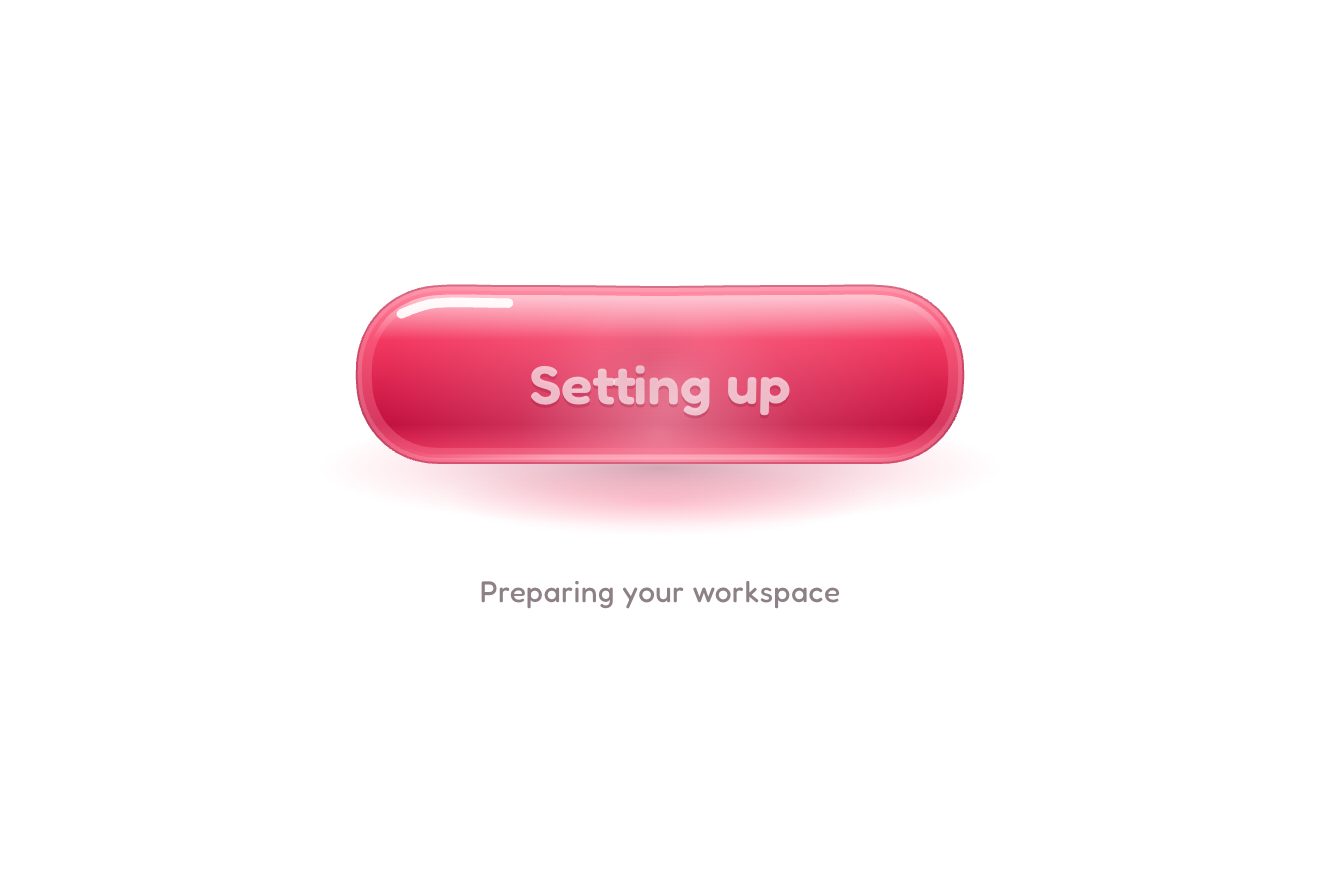
The elastic button
Buttons, Hover, Text
The Cite this essay button at the end of a post on a personal blog, in warm porcelain on a soft light page, like a Dribbble shot. On hover the edge of a paper slip peeks out of the button; pressed, a blue light runs along its border, the slip comes out of the button with grey placeholders and the citation writes itself piece by piece: author, date, title in italics, blog and address. Then the disc turns blue, a check draws itself, the title gets a light highlight and the citation is copied; after a moment the slip slides back into the button.
A folder that runs on its own: index.html, style.css, script.js and the libraries from a CDN. The React and Vue tabs hold the same demo as a ready component, which switches its animations off when it leaves the page.
<!doctype html>
<!--
  "Cite article button" from Animorio · https://animorio.com
  License: free on your own sites and your clients’ sites, paid work included.
  Not for resale, redistribution, templates or code collections · https://animorio.com/en/license/
-->
<html lang="en">
<head>
  <meta charset="utf-8">
  <meta name="viewport" content="width=device-width, initial-scale=1">
  <title>The cite this article button with the reference that writes itself</title>
  <link rel="stylesheet" href="https://cdn.jsdelivr.net/npm/@fontsource-variable/mona-sans@5.3.0/wdth.css">
  <link rel="stylesheet" href="https://cdn.jsdelivr.net/npm/@fontsource-variable/newsreader@5.3.0/opsz.css">
  <link rel="stylesheet" href="https://cdn.jsdelivr.net/npm/@fontsource-variable/newsreader@5.3.0/opsz-italic.css">
  <link rel="stylesheet" href="style.css">
</head>
<body>
  <main class="stage">
    <!-- the Cite this essay button at the end of a post on a personal blog, in warm porcelain on a soft light page.
         Hovered, the edge of a paper slip peeks out of it. Pressed, a beam of light runs around its border while the
         slip rises out of the button and the reference writes itself, piece by piece, over grey placeholders. Then
         the disc turns blue, a check draws itself and the reference is copied. After a moment the slip slides back -->
    <div class="ct" data-wrap>
      <div class="ct__slot" aria-hidden="true">
        <div class="ct__slip" data-slip>
          <span class="ct__slip-sheen" data-slipsheen></span>
          <span class="ct__slip-head">
            <span class="ct__style" data-style>APA 7</span>
            <span class="ct__copied" data-copied>
              <svg viewBox="0 0 16 16"><path data-mini pathLength="1" d="M3.6 8.4l2.7 2.7 6-6.2"/></svg>
              <span>Copied</span>
            </span>
          </span>
          <span class="ct__ref" data-ref>
            <span class="ct__tk" data-tk><span class="ct__bone" data-bone></span><span class="ct__w" data-w>Hale, M.</span></span>
            <span class="ct__tk" data-tk><span class="ct__bone" data-bone></span><span class="ct__w" data-w>(2026, November 3).</span></span>
            <span class="ct__tk ct__tk--title" data-tk><span class="ct__mark" data-hl></span><span class="ct__bone" data-bone></span><span class="ct__w" data-w><em>The quiet grammar of margins.</em></span></span>
            <span class="ct__tk" data-tk><span class="ct__bone" data-bone></span><span class="ct__w" data-w>Field Notes.</span></span>
            <span class="ct__tk ct__tk--url" data-tk><span class="ct__bone" data-bone></span><span class="ct__w" data-w>fieldnotes.blog/margins</span></span>
          </span>
        </div>
      </div>

      <span class="ct__floor" data-floor aria-hidden="true"></span>
      <button class="ct__btn" type="button" data-btn aria-label="Cite this essay, APA 7th edition">
        <span class="ct__body" data-body>
          <span class="ct__fill" aria-hidden="true"></span>
          <span class="ct__shine" data-shine aria-hidden="true"></span>
          <span class="ct__beam" data-beam aria-hidden="true"></span>
          <span class="ct__sweep" aria-hidden="true"><span class="ct__sweep-band" data-sweep></span></span>
          <span class="ct__edge" aria-hidden="true"></span>
          <span class="ct__row">
            <span class="ct__disc" data-disc aria-hidden="true">
              <span class="ct__plate" data-plate></span>
              <span class="ct__plate ct__plate--done" data-done></span>
              <svg class="ct__quotes" data-quotes viewBox="0 0 24 24">
                <path data-q d="M10.4 7.2C7.6 8.1 6 10.2 6 13.1v3.7h4.1v-4.1H8.2c0-1.7.9-2.9 2.6-3.5z"/>
                <path data-q d="M18 7.2c-2.8.9-4.4 3-4.4 5.9v3.7h4.1v-4.1h-1.9c0-1.7.9-2.9 2.6-3.5z"/>
              </svg>
              <svg class="ct__check" viewBox="0 0 24 24"><path data-check pathLength="1" d="M7 12.4l3.3 3.3 6.7-7"/></svg>
            </span>
            <span class="ct__text" aria-hidden="true">
              <span class="ct__state" data-state>
                <span class="ct__title" data-t>Cite this essay</span>
                <span class="ct__sub" data-s>APA · 7th edition</span>
              </span>
              <span class="ct__state" data-state>
                <span class="ct__title ct__title--busy" data-t>Formatting</span>
                <span class="ct__sub" data-s>Author, date, title, source</span>
              </span>
              <span class="ct__state" data-state>
                <span class="ct__title" data-t>Citation copied</span>
                <span class="ct__sub" data-s>Paste it in your notes</span>
              </span>
            </span>
            <span class="ct__chip" aria-hidden="true">
              <span class="ct__chip-face" data-chip>APA</span>
              <span class="ct__chip-face ct__chip-face--meter" data-chip><span class="ct__meter"><span class="ct__meter-fill" data-meter></span></span></span>
              <span class="ct__chip-face ct__chip-face--ok" data-chip><svg class="ct__board" viewBox="0 0 20 20"><rect x="4.2" y="4" width="11.6" height="13.2" rx="2.4"/><path d="M7.6 4.2V3.6c0-.7.5-1.2 1.2-1.2h2.4c.7 0 1.2.5 1.2 1.2v.6"/><path data-board pathLength="1" d="M7.4 10.6l1.9 1.9 3.4-3.6"/></svg><span>Saved</span></span>
            </span>
          </span>
        </span>
      </button>
    </div>
    <p class="sr" aria-live="polite" data-live></p>
  </main>
  <script src="https://cdn.jsdelivr.net/npm/gsap@3.15.0/dist/gsap.min.js"></script>
  <script src="script.js"></script>
</body>
</html>Change values, colours and text with the controls and watch the animation respond live. Or write in the code yourself. Then download the folder with your changes.
34 values to change
With the Animorio connector, Claude Code, ChatGPT, Cursor or VS Code take it from here, guide included, and fit it into your project. Paste this request:
Take “Cite article button” from Animorio and fit it into my siteThe slip sits in a slot with overflow: hidden whose bottom edge is the button’s middle line: moved down with y it is hidden inside the button, not behind it, and rising it seems to come out of it. Its hidden place depends on its height (offsetHeight + 41), so it is worked out again on resize and when the fonts have loaded.
The button is a single box moved by GSAP with absolute layers: the fill with a gradient from the top, the light under the pointer driven by two CSS variables through gsap.quickTo, the border light, the reflection band and on top the hairlines of light and shadow made of inset shadows. Outside, five shadows of different sizes and a shadow on the floor give the depth.
A conic-gradient with its angle in a CSS variable (--a) and a mask that keeps only a ring 1.5 pixels wide (mask-composite: exclude); GSAP turns --a from 0 to 360 in BEAM seconds while the citation is formatted.
Each piece is an inline-block with its absolute placeholder on top; one piece of timeline per piece withdraws the placeholder with scaleX from the start, brings the words in with y, opacity and a filter blur, gives the slip a one pixel twitch and moves the chip’s meter on with scaleX.
The quote marks shrink, the blue disc comes back from 0.7 on an elastic spring, the check draws itself with strokeDashoffset (pathLength 1), the highlight grows behind the title with scaleX from the left, a light slides down the slip and a reflection crosses the button with xPercent; on a real click the citation goes to the clipboard with navigator.clipboard.writeText.
| Name | File | Default | What it changes |
|---|---|---|---|
AUTHOR | script.js | Hale, M. | The author, as the citation writes it. |
DATE | script.js | (2026, November 3). | The date in brackets. |
TITLE | script.js | The quiet grammar of margins. | The title of the post, in italics. |
BLOG | script.js | Field Notes. | The name of the blog. |
LINK | script.js | fieldnotes.blog/margins | The address of the post. |
PIECE | script.js | 0.34 | How many seconds pass between one piece of the citation and the next. |
BEAM | script.js | 1.1 | How many seconds the light takes to go round the border. |
SPRING | script.js | 1 | How springy the moves are: 0.4 calm, 2 very bouncy. |
HOLD | script.js | 2.2 | How many seconds Citation copied stays before the slip goes back. |
AUTO | script.js | true | The button goes round by itself until someone touches it. |
At the end of the posts of a personal blog, an online magazine, a portfolio with writing or a research page: it gives the citation ready in APA (or the style you need), shows it before copying it and says clearly that it is on the clipboard.
On the phone the button is at most 86% of the screen wide and the slip follows it, with the citation wrapping between one piece and the next; the room above and below is measured on the height too. There is no hover, so the light under the finger turns on at the touch and the slip comes straight out; the rest is the same.
Nothing moves: the slip fades in at its place, the placeholders give way to the words with a fade, the border light stays still, the quote marks and the check swap with a fade and the highlight appears already whole.
GSAP 3.15.0, Mona Sans (font variabile) 5.3.0, Newsreader (font variabile) 5.3.0.
Compressed with gzip, the three demo files weigh 9.9 KB; the libraries: GSAP 28 KB.
Tested on 3 November 2026
Use it in your own projects and in your clients’ projects. Do not resell it or redistribute it as is. GSAP stays under its own Standard license. Full license.
Support Animorio
Animorio stays free thanks to the people who support it. If you like, buy us a coffee: it helps us make the next animations.
You asked for
We made it for you: it’s in the library, with the preview, the Playground and the code to copy.
An animation you can’t find, or a site to take apart in the journal: tell us which. We pick the next ones from here.
With your account’s email and password.
or with your email
You’re signed in as .
With your account, you can download the zip of every animation and every pack, for free.