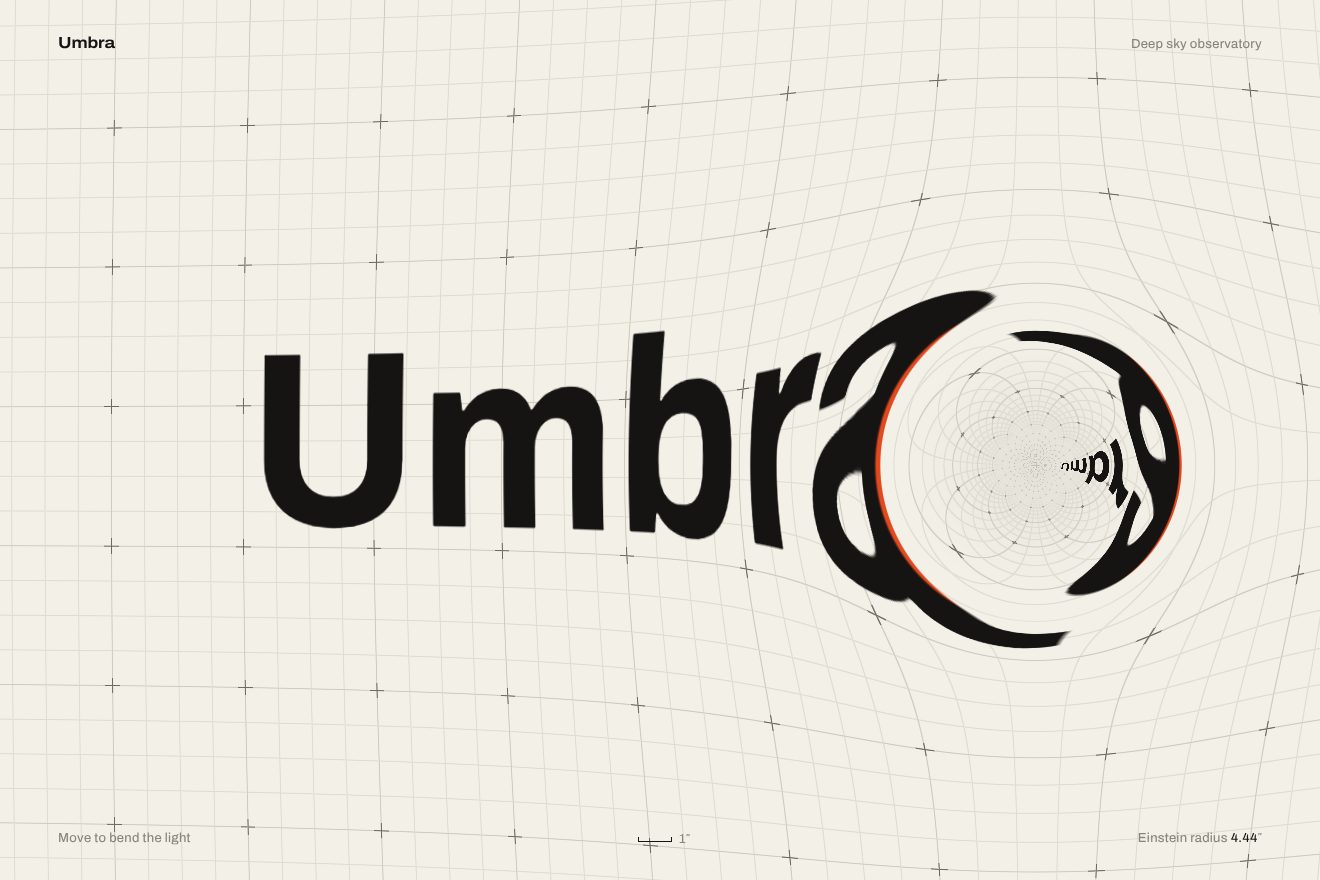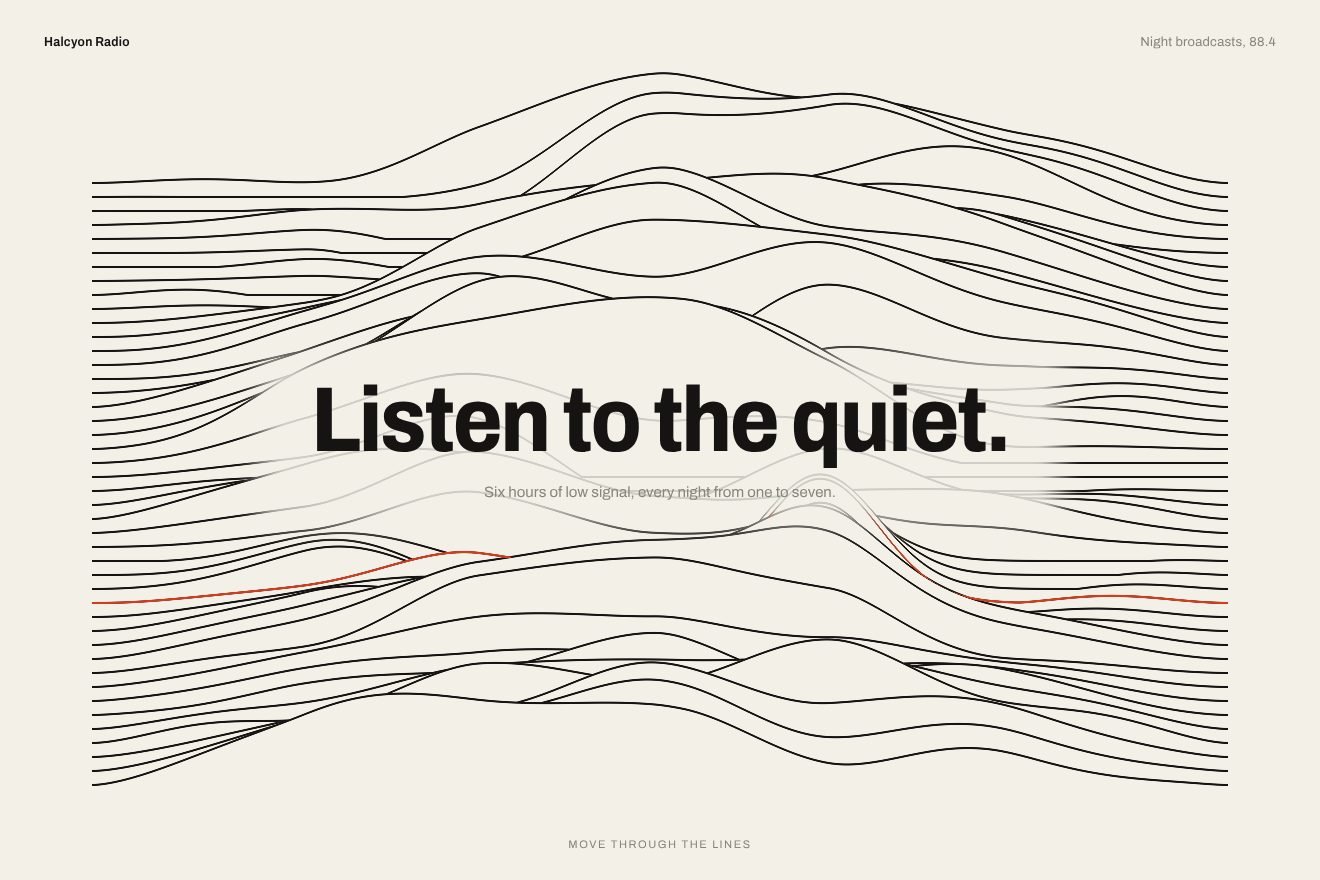
Ridge line background
Backgrounds, WebGL, Hover
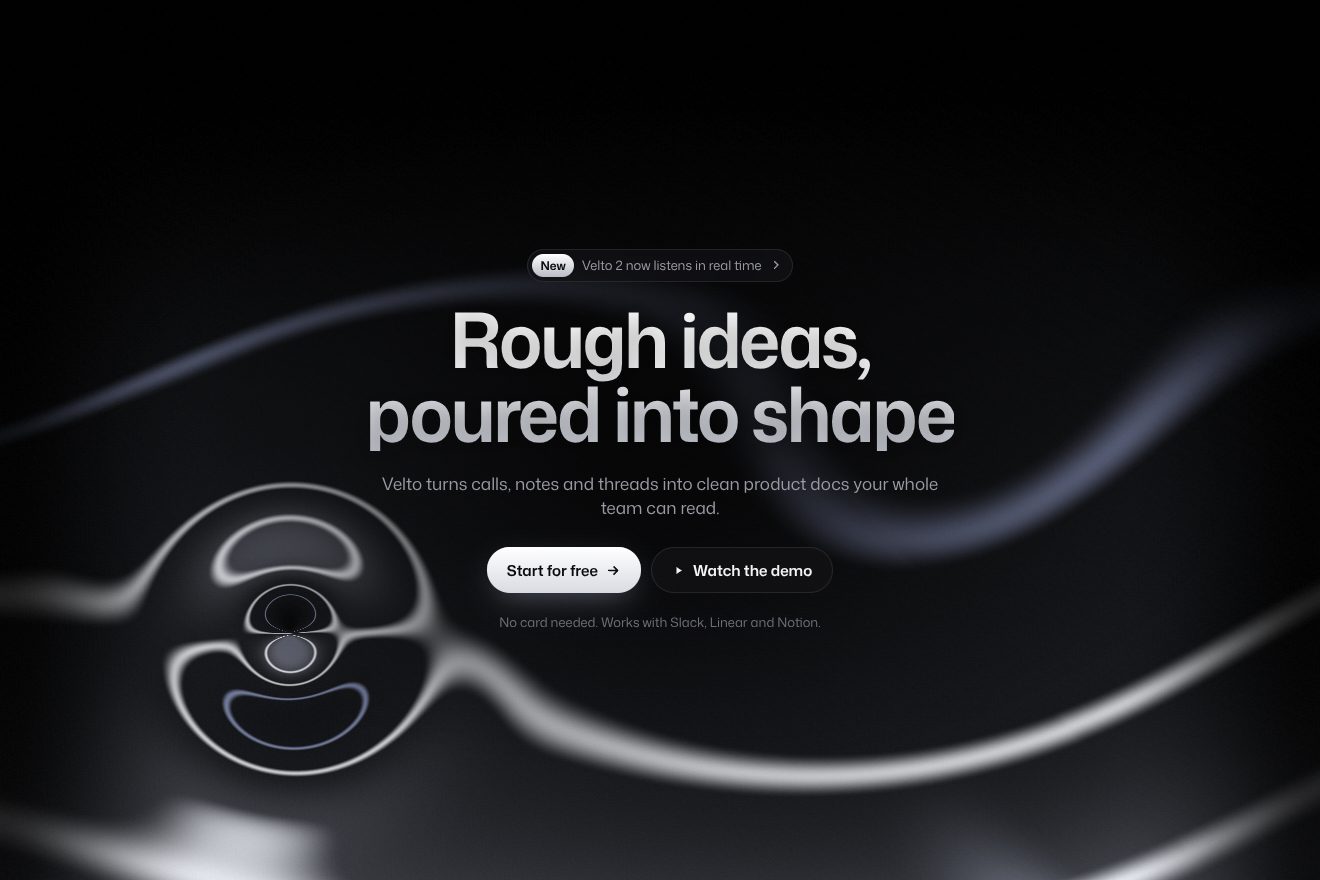
An animated background for an AI app’s hero, on near black: behind the headline a pane of fluted glass with vertical ribs, and under the glass a soft violet light that drifts by itself and follows the pointer. Each rib turns the light over and squeezes it into a row of bright strips; where the pointer passes the ribs spread apart like under a lens, and on the button the light gathers into a bright core. A hand-written WebGL shader, in the Libraries.dev style.
A folder that runs on its own: index.html, style.css, script.js and the libraries from a CDN. The React and Vue tabs hold the same demo as a ready component, which switches its animations off when it leaves the page.
<!doctype html>
<!--
  "Fluted glass background" from Animorio · https://animorio.com
  License: free on your own sites and your clients’ sites, paid work included.
  Not for resale, redistribution, templates or code collections · https://animorio.com/en/license/
-->
<html lang="en">
<head>
  <meta charset="utf-8">
  <meta name="viewport" content="width=device-width, initial-scale=1">
  <title>The fluted glass background that bends the light behind the headline</title>
  <link rel="stylesheet" href="https://cdn.jsdelivr.net/npm/@fontsource-variable/mona-sans@5.3.0/wdth.css">
  <link rel="stylesheet" href="style.css">
</head>
<body>
  <!-- the hero of an invented AI notes app, Halcyon, on near black: behind the words a pane of fluted glass, and under the
       glass a soft violet light that drifts by itself and follows the pointer; the ribs split it into bright strips, and
       where the pointer passes they bend apart like a lens and the light gathers -->
  <main class="stage" data-stage>
    <canvas class="glass" data-glass aria-hidden="true"></canvas>
    <span class="grain" aria-hidden="true"></span>

    <section class="hero" aria-labelledby="hero-title">
      <p class="pill" data-in>
        <span class="pill__tag">New</span>
        <span class="pill__text">Halcyon 2 reads your whole inbox</span>
        <svg class="pill__arrow" viewBox="0 0 16 16" aria-hidden="true"><path d="M6 3.5 10.5 8 6 12.5"></path></svg>
      </p>
      <h1 class="title" id="hero-title" data-in>Clear thinking,<br>in any light</h1>
      <p class="lede" data-in>Notes, mail and documents in one quiet place. Ask, and Halcyon answers with the sources in view.</p>
      <div class="actions" data-in>
        <button class="cta" type="button" data-cta>
          <span class="cta__shine" aria-hidden="true"></span>
          <span class="cta__label">Start for free</span>
          <svg class="cta__arrow" viewBox="0 0 16 16" aria-hidden="true"><path d="M3 8h9.5M8.5 4 12.5 8l-4 4"></path></svg>
        </button>
        <span class="note">No card needed</span>
      </div>
    </section>

    <svg class="ghost" data-ghost viewBox="0 0 20 20" aria-hidden="true"><path d="M4 2.5v13.2l3.5-3.3 2.4 5.3 2.3-1-2.4-5.2 4.8-.2z"></path></svg>
  </main>

  <script src="https://cdn.jsdelivr.net/npm/gsap@3.15.0/dist/gsap.min.js"></script>
  <script src="script.js"></script>
</body>
</html>Change values, colours and text with the controls and watch the animation respond live. Or write in the code yourself. Then download the folder with your changes.
23 values to change
With the Animorio connector, Claude Code, ChatGPT, Cursor or VS Code take it from here, guide included, and fit it into your project. Paste this request:
Take “Fluted glass background” from Animorio and fit it into my siteThe WebGL canvas draws a single triangle bigger than the screen, and all the work is in the fragment shader: for every pixel it works out which rib it falls in and where inside the rib, from minus a half to plus a half.
Each rib does not show the light behind it but samples it shifted by its position inside the rib times REFRACT: above one the strip turns over and squeezes. A little vertical shift, growing towards the edges of the rib, gives the curve of the glass.
Near the pointer the coordinates are squeezed with a Gaussian bell, so the ribs look wider, and the refraction grows with BEND: the glass bends and the light gathers.
The light is the sum of three soft bells: one follows the pointer on a hand-written spring, two drift slowly on slow sines. A narrower bright core sits in the middle of the first, and on the button everything narrows and rises.
Each rib has cosine shading that makes it look round, a dark groove at the joint, a thread of glint near one edge and a wide sheen: the more light behind, the brighter they get.
On arrival the ribs come up from flat glass in 1.8 seconds, and the words rise staggered with a one-pixel settle. After a few seconds without a pointer a looping timeline moves a drawn pointer that presses the button; the first real movement stops it.
| Name | File | Default | What it changes |
|---|---|---|---|
RIB | script.js | 26 | Width of one rib of the glass, in pixels. |
REFRACT | script.js | 1.7 | How much each rib turns the light over and squeezes it (0 flat glass). |
BEND | script.js | 0.75 | How much the ribs spread under the pointer (0 not at all). |
GLOW | script.js | 1 | How strong the light is. |
DRIFT | script.js | 1 | How much the light drifts on its own (0 still). |
FOLLOW | script.js | 0.9 | How much the light follows the pointer (0 not at all, 1 fully). |
AUTO_PILOT | script.js | 4 | After how many seconds without a pointer the drawn one starts moving (0 never). |
For the hero of an AI app or product, a launch page, a studio’s header: when you need a dark background with material and light that still leaves the headline in front.
Same animations: the ribs stay RIB pixels wide, the light is sized on the short side of the screen and follows the finger; the button and the text fit inside the box.
With reduced motion the glass and the light are already in place, still, and the words only fade in.
GSAP 3.15.0, Mona Sans (font variabile) 5.3.0.
Compressed with gzip, the three demo files weigh 7.6 KB; the libraries: GSAP 28 KB.
Tested on 29 October 2026
Use it in your own projects and in your clients’ projects. Do not resell it or redistribute it as is. GSAP stays under its own Standard license. Full license.
Support Animorio
Animorio stays free thanks to the people who support it. If you like, buy us a coffee: it helps us make the next animations.
You asked for
We made it for you: it’s in the library, with the preview, the Playground and the code to copy.
An animation you can’t find, or a site to take apart in the journal: tell us which. We pick the next ones from here.
With your account’s email and password.
or with your email
You’re signed in as .
With your account, you can download the zip of every animation and every pack, for free.